
Use cases
For presentations
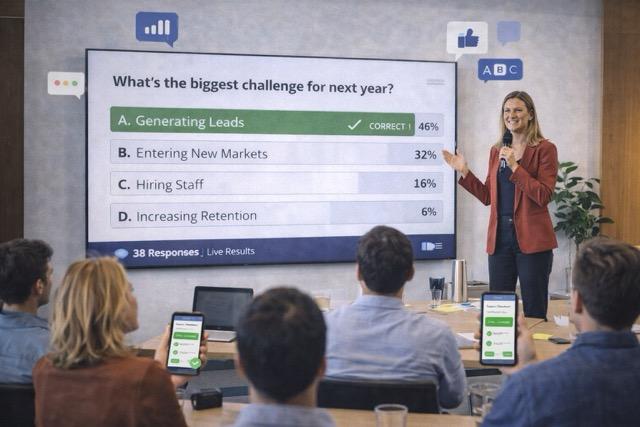
Turn presentations into active sessions with live questions, voting, and visible feedback.
What it is
Turn presentations into active sessions with live questions, voting, and visible feedback. This page shows practical ways to use InteractClass in this scenario.
What you can do
- Start with audience input instead of one-way slides.
- Use live questions to guide the next section of the talk.
- Show reactions instantly to make the room feel active.
Benefits
- Helps turn passive attention into actual participation.
- Lets the facilitator adjust the session around live audience signals.
- Creates a more dynamic experience without adding operational complexity.
Ideas of use
- Open the session with a quick opinion or comprehension check.
- Use open responses or word clouds mid-session to widen participation.
- Close with a quiz, prioritization activity, or visual reflection on what the room produced.
Expected results
- Make talks more dynamic
- Gather audience input
- Show results on screen instantly
Next step
Your next presentation could be a conversation.
Bring your content. Invite everyone in. Watch the interaction happen.