
Use cases
For online classes
Add low-friction interaction to virtual lessons so students stay involved instead of just watching.
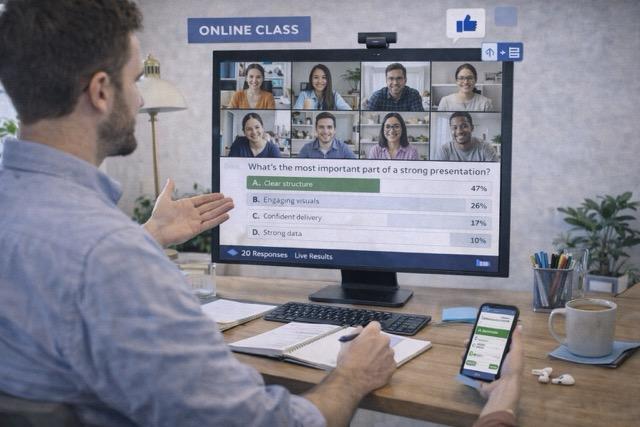
What it is
Add low-friction interaction to virtual lessons so students stay involved instead of just watching. This page shows practical ways to use InteractClass in this scenario.
What you can do
- Break up long virtual lecture blocks.
- Check understanding before the class moves on.
- Keep remote students involved through simple interactions.
Benefits
- Helps turn passive attention into actual participation.
- Lets the facilitator adjust the session around live audience signals.
- Creates a more dynamic experience without adding operational complexity.
Ideas of use
- Open the session with a quick opinion or comprehension check.
- Use open responses or word clouds mid-session to widen participation.
- Close with a quiz, prioritization activity, or visual reflection on what the room produced.
Expected results
- Break up long lecture blocks
- Check understanding remotely
- Increase online participation
Next step
Your next presentation could be a conversation.
Bring your content. Invite everyone in. Watch the interaction happen.