
Core features
Word clouds
Turn short audience inputs into a live visual snapshot of themes, sentiment, or understanding.
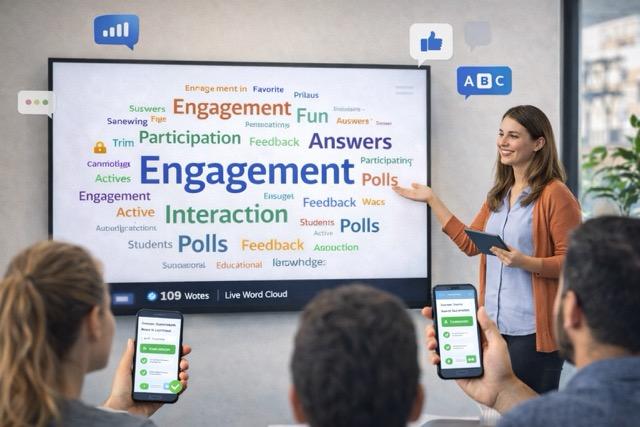
What it is
Turn short audience inputs into a live visual snapshot of themes, sentiment, or understanding. This format is designed for fast responses, clear visibility, and live adaptation by the presenter.
How it works
- Set up the interaction and share access with the audience.
- Participants respond from their phone or browser without installing an app.
- Live results appear immediately so the presenter can decide what to do next.
Use possibilities
- Visualize first reactions at the start of a class or workshop.
- Summarize themes from short audience responses in seconds.
- Show room sentiment or understanding with a strong visual format.
Benefits
- Reduces participation friction during live sessions.
- Gives the presenter immediate signals to adjust pacing and delivery.
- Turns audience input into a visible moment the whole room can use.
Expected results
- Visualize room sentiment
- Highlight recurring ideas
- Make group input easy to read
Next step
Your next presentation could be a conversation.
Bring your content. Invite everyone in. Watch the interaction happen.